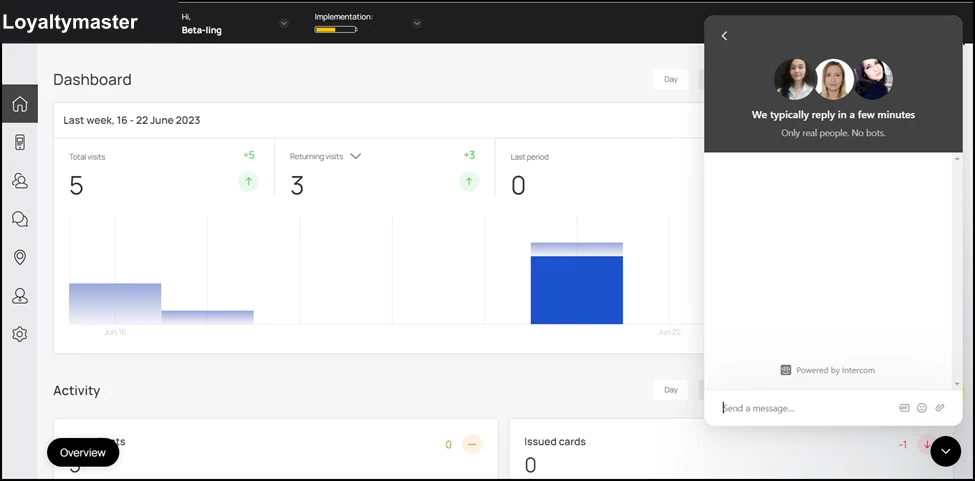
Get Help Through In-App Chat
How to get support anytime
Application review pending. Current permissions and product version are unverified.
Intercom chat integrated with Loyaltymaster allows you to contact our support team instantaneously.
-
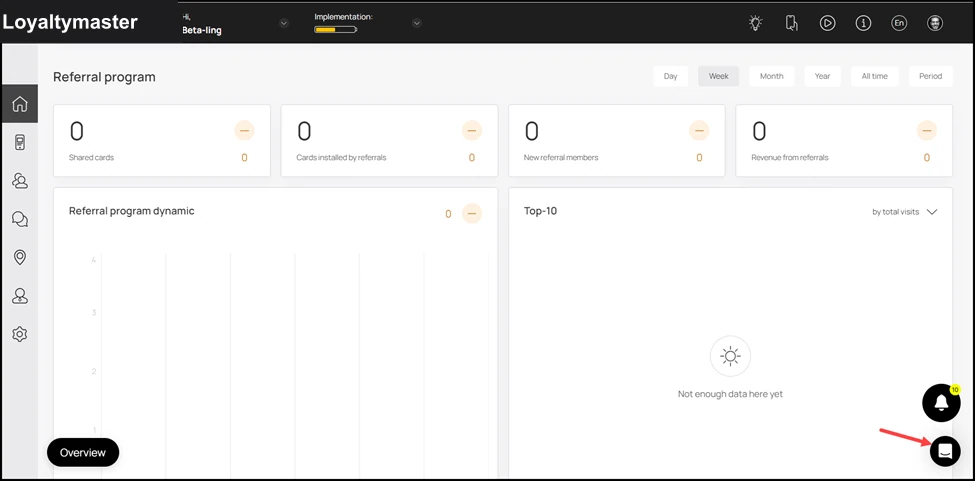
Upon successful login, navigate to the bottom-right corner of the screen.
-
From here, click the Chatbutton. Doing so opens a popup.
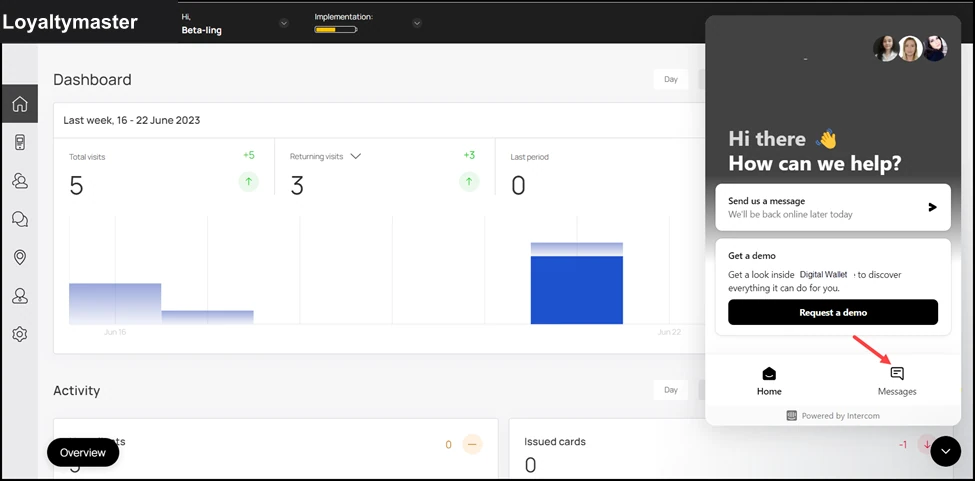
- From the bottom of this popup, click Messages.
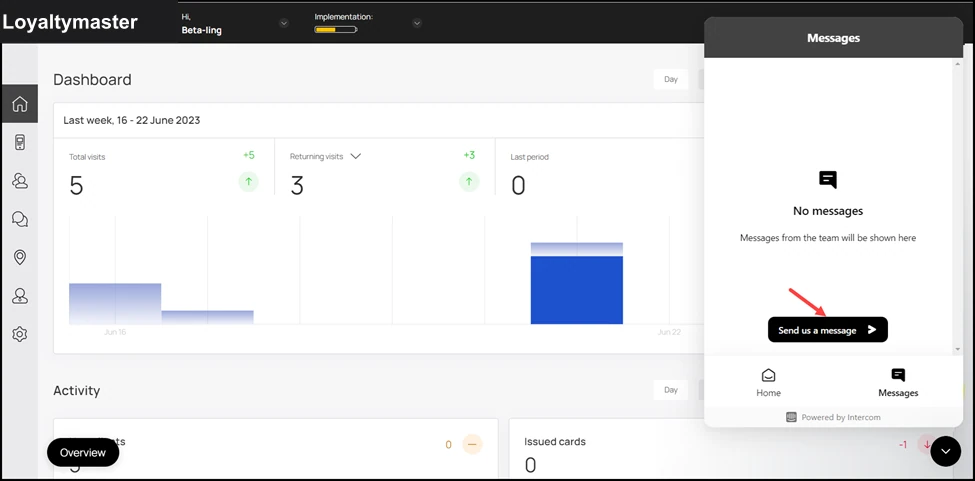
- All the messages you have sent previously are displayed in the chat popup that opens. In case you are chatting for the first time, click the Send us a message button.
- As a result, the chat window is displayed. You can type in the message in the Enter a message field. You can also include GIFs, emojis, and attachments using the three icons at the end of this field.