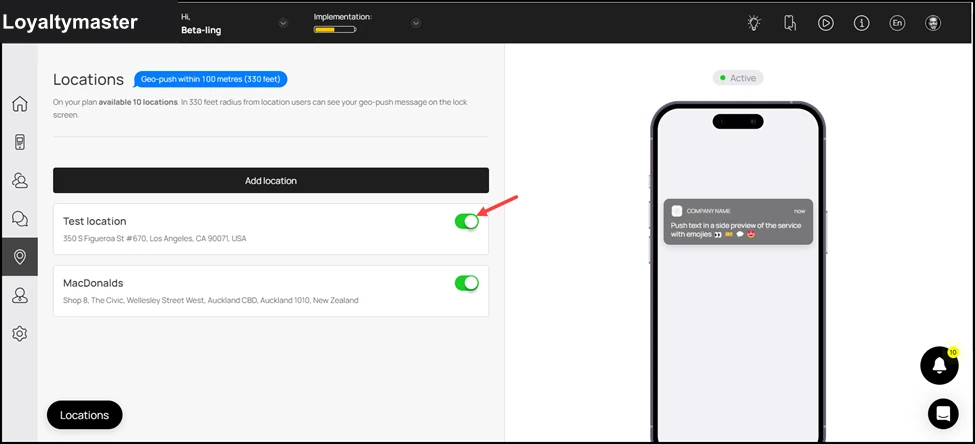
How to Access Locations Section
Access the locations module to create locations and send geo-push
Application review pending. Current permissions and product version are unverified.
-
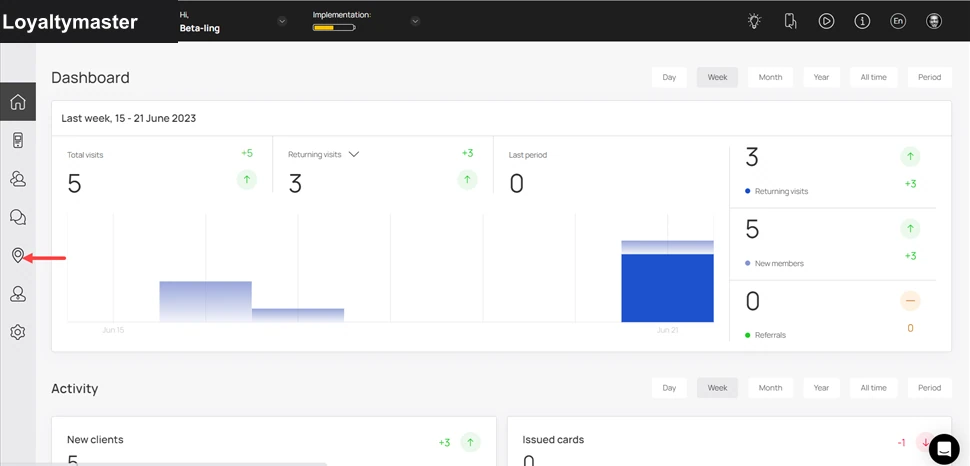
Upon successful login, navigate to the left-hand menu.
-
From the list of modules displayed, click the Locations icon. Doing so takes you to the Locations screen.
- Here, all the locations you have added for the business and to which the geo-push notifications are sent are listed. You can enable/disable a location using the toggle button next to it.