Login in the Scanner App
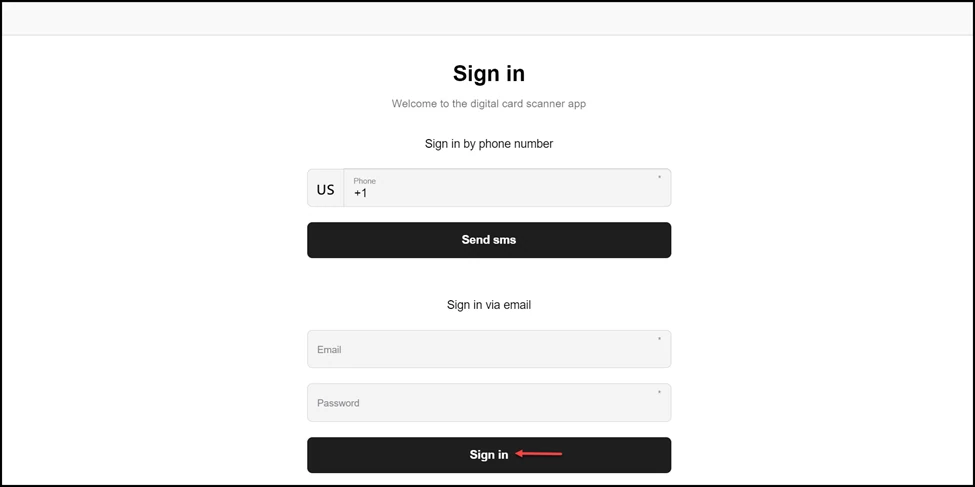
Fill in your registered credentials and a tap on the Sign In button. You are into the scanner application
Application review pending. Current permissions and product version are unverified.
-
Use the provided URL to land on the login screen.
-
Navigate to the Sign in via Email heading.
-
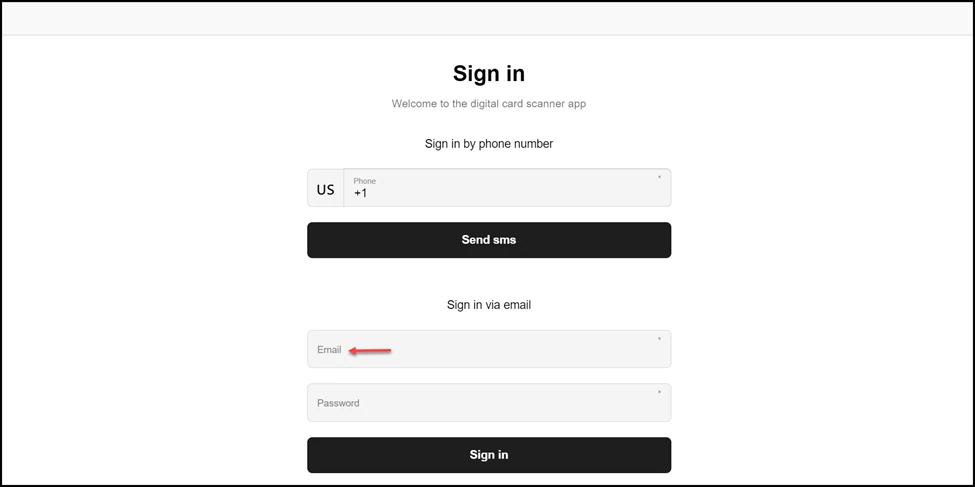
Here, use the Email field to enter your registered email address for Loyaltymaster.
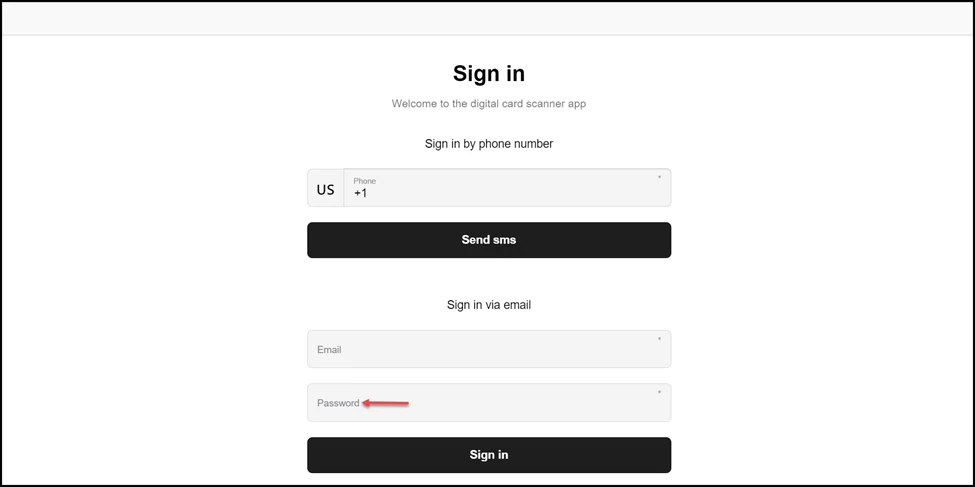
- Enter the password associated with the email address in the Password field.
- Once the required information is filled, click the Sign In button.