Scanner APP - Membership Cards
How to charge membership cards using Scanner App
Application review pending. Current permissions and product version are unverified.
On this page
Use the Scanner App to check a customer’s Membership card status.
Use Kiosk Mode for automatic transactions
For automatic member check-in, use Kiosk Mode and enable auto-discharge of visits. Some templates still require confirmation. The steps below explain how to check membership status manually.
Find your customer
Make sure you are signed in to the Scanner App with your manager username (email address) and password. The screen and available actions can differ depending on your phone, the customer's card type and your card settings.
Choose how to find the customer:
- Scan: select Scan and point the camera at the QR code on the customer's loyalty card. The first time you scan, allow camera access if prompted. The Scanner App scans the code and shows the customer's details.
- Search: select Search customers, below the large Scan button at the bottom of the screen.
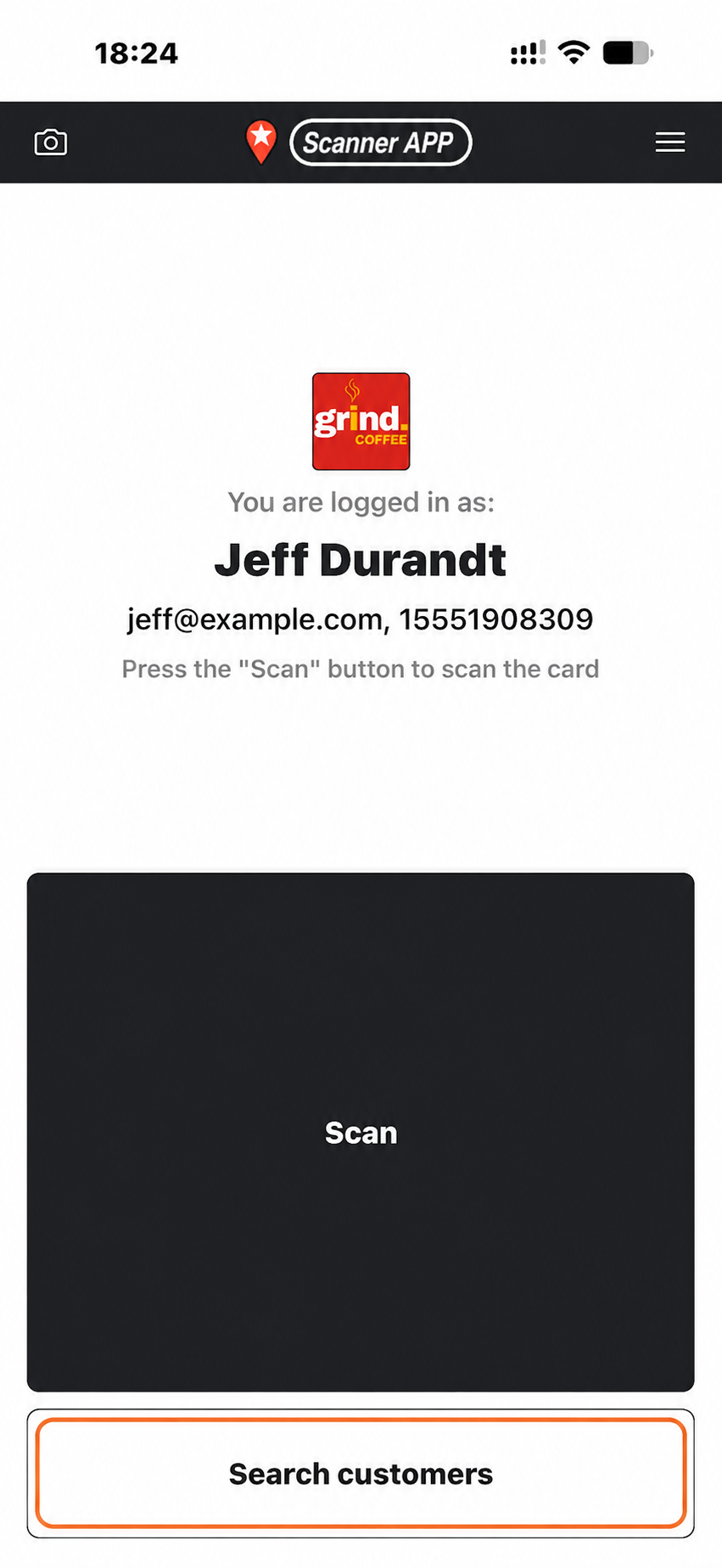
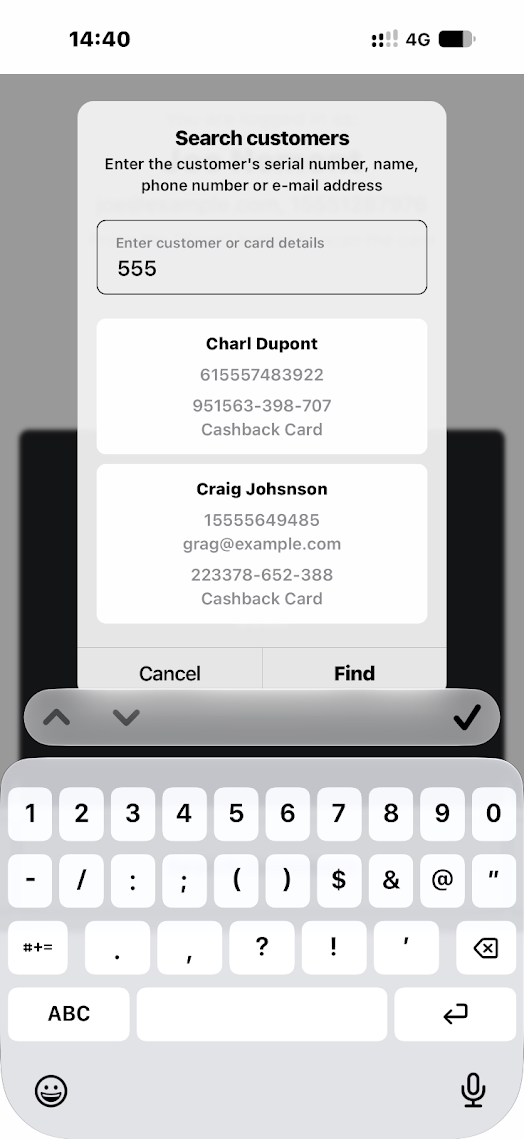
Search by phone, name, surname or loyalty card serial number
- Ask the customer for their mobile phone number and type part of it into Enter customer or card details. You do not need the full number. This is usually the quickest way to find them. You can also search by first name, surname, email address or Membership card serial number.
- If more than one result appears, check the name, phone number and card details, then select the correct customer. Check that you have opened their Membership card before continuing. If needed, enter more of the phone number to narrow the results.
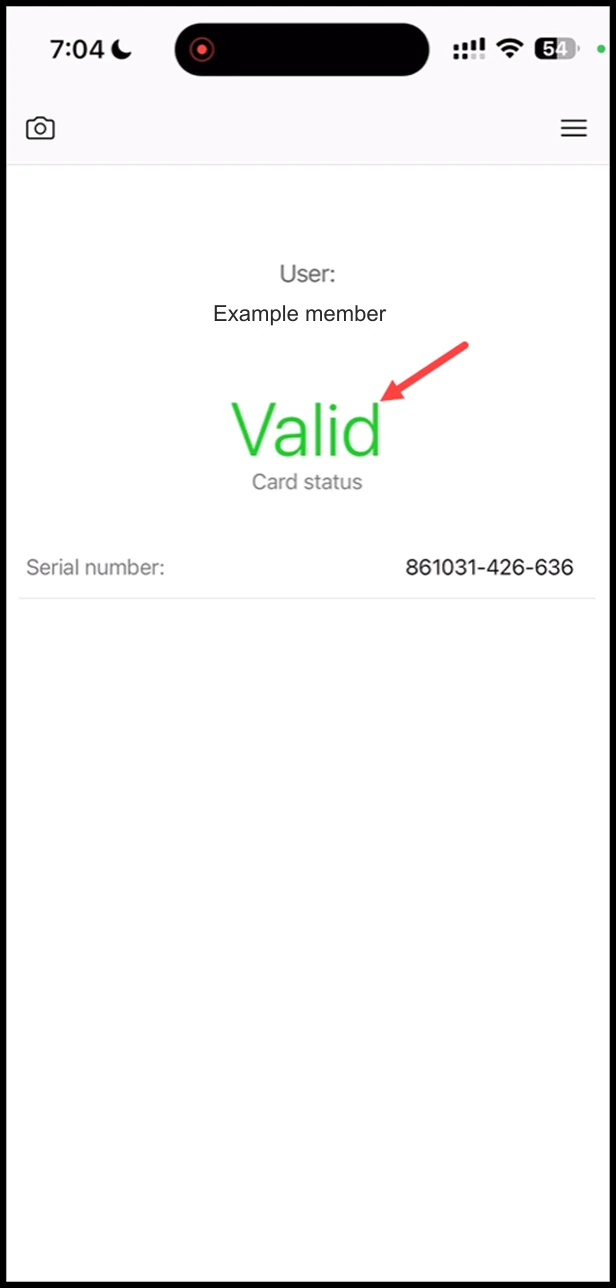
Check membership status
- Read the current status on the customer’s Membership card.
Need help?
If anything is unclear, get help or contact our support team.