Start a Trial, Subscribe or Sign In
Start through Loyaltymaster Pricing, follow your welcome email, or sign in to your existing account.
Application review pending. Current permissions and product version are unverified.
On this page
Start a trial or subscription
- Open Loyaltymaster Pricing to choose a current trial or subscription offer.
- Follow the steps for your chosen offer. Your Loyaltymaster account is created automatically when you start a trial or buy a subscription; there is no separate manual registration form in the app.
- Follow the account-access instructions in your welcome email for your first sign-in.
Sign in to an existing account
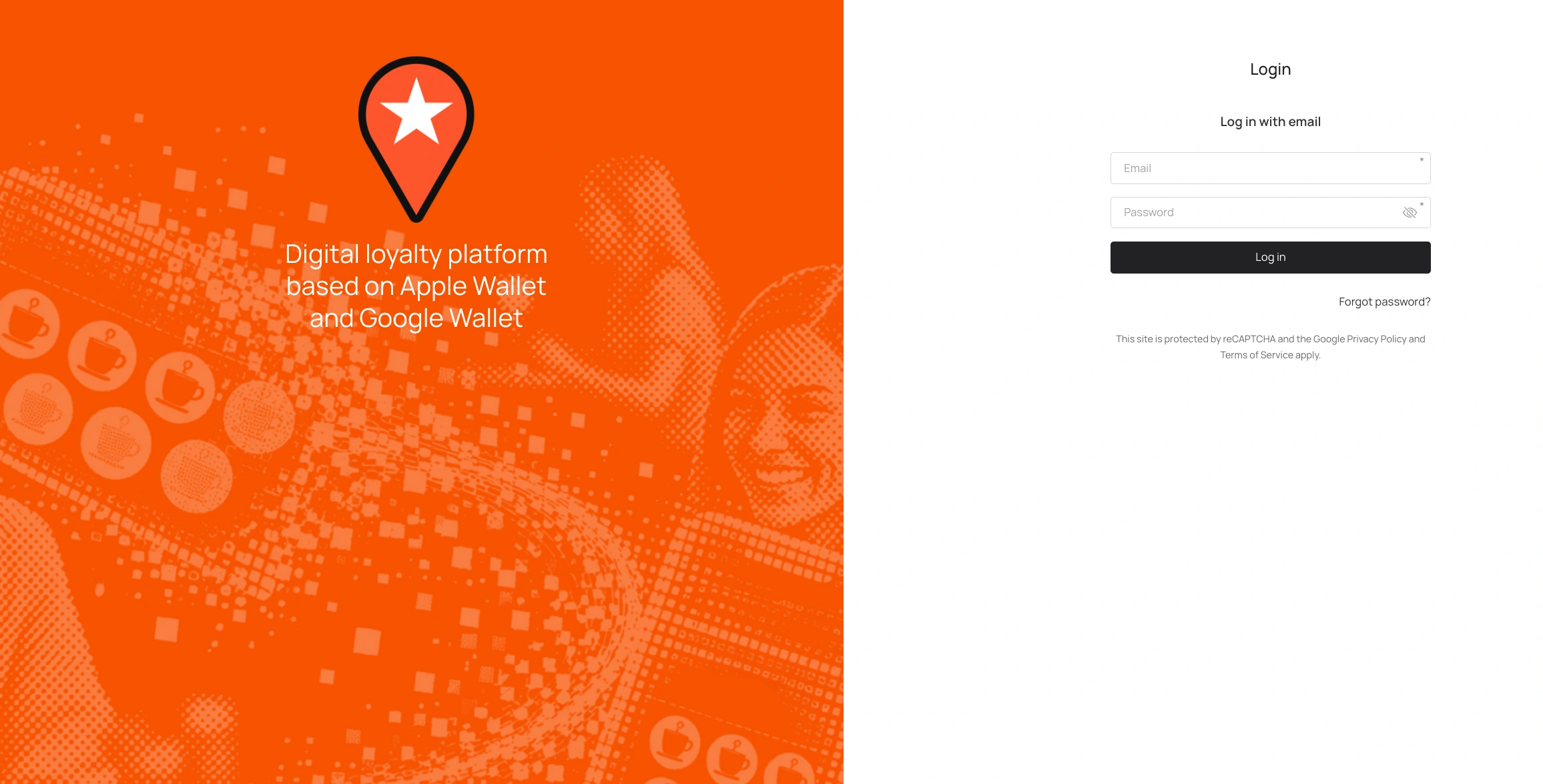
Open app.loyaltymaster.com and sign in using your email and password. See How to Sign In with Email.
Need help accessing your account?
If you have forgotten your password, use password recovery. If you cannot find your welcome email or need help accessing an existing account, contact Loyaltymaster. Do not start another subscription to regain access.