How to Recover your Account Password
Learn how to recover your account password
Application review pending. Current permissions and product version are unverified.
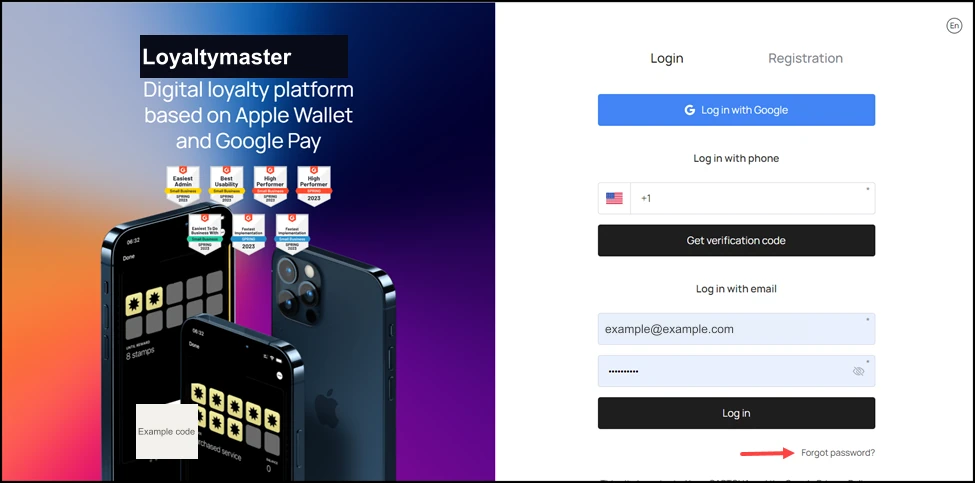
- Upon landing on the Login screen, click the Forgot password? button located at the bottom-right corner.
-
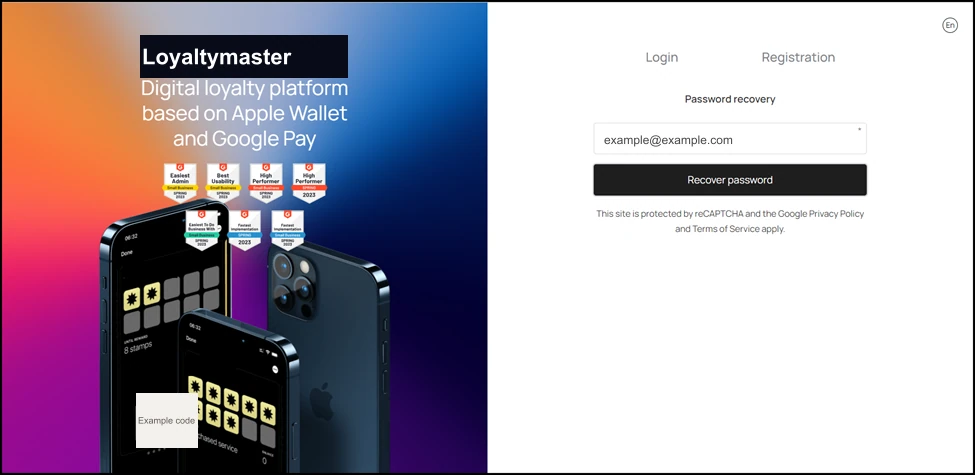
As a result, you land on the Password recovery screen.
-
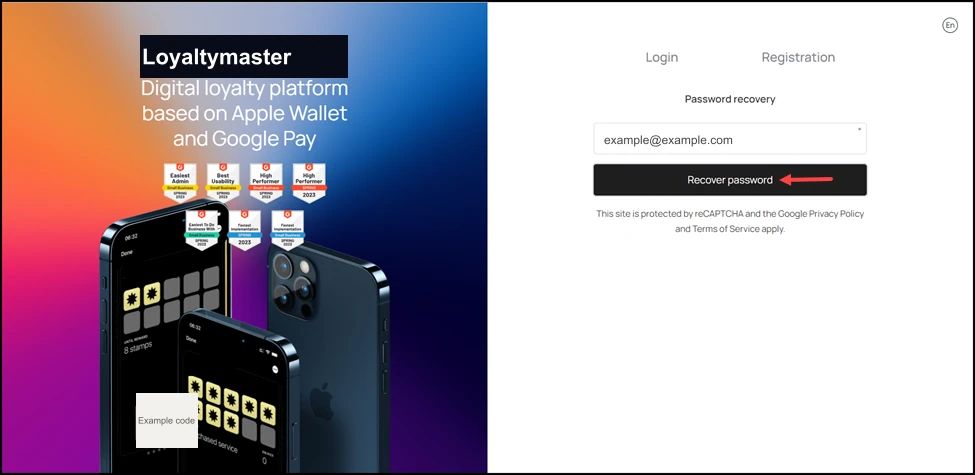
Here, enter your registered email address in the Email field.
- Click the Recover password button. This sends a password recovery link to the provided email address. You can follow the link from there to set a new password.