How to Sign In with Email
Use your email and password to sign in to your Loyaltymaster account.
Application review pending. Current permissions and product version are unverified.
On this page
For first access after starting a trial or buying a subscription through Loyaltymaster Pricing, follow the instructions in your welcome email. Account creation happens automatically; see Start a Trial, Subscribe or Sign In.
Sign in
- Open app.loyaltymaster.com.
- Under Log in with email, enter the email address for your Loyaltymaster account in Email.
- Enter your account password in Password.
- Select Log in.
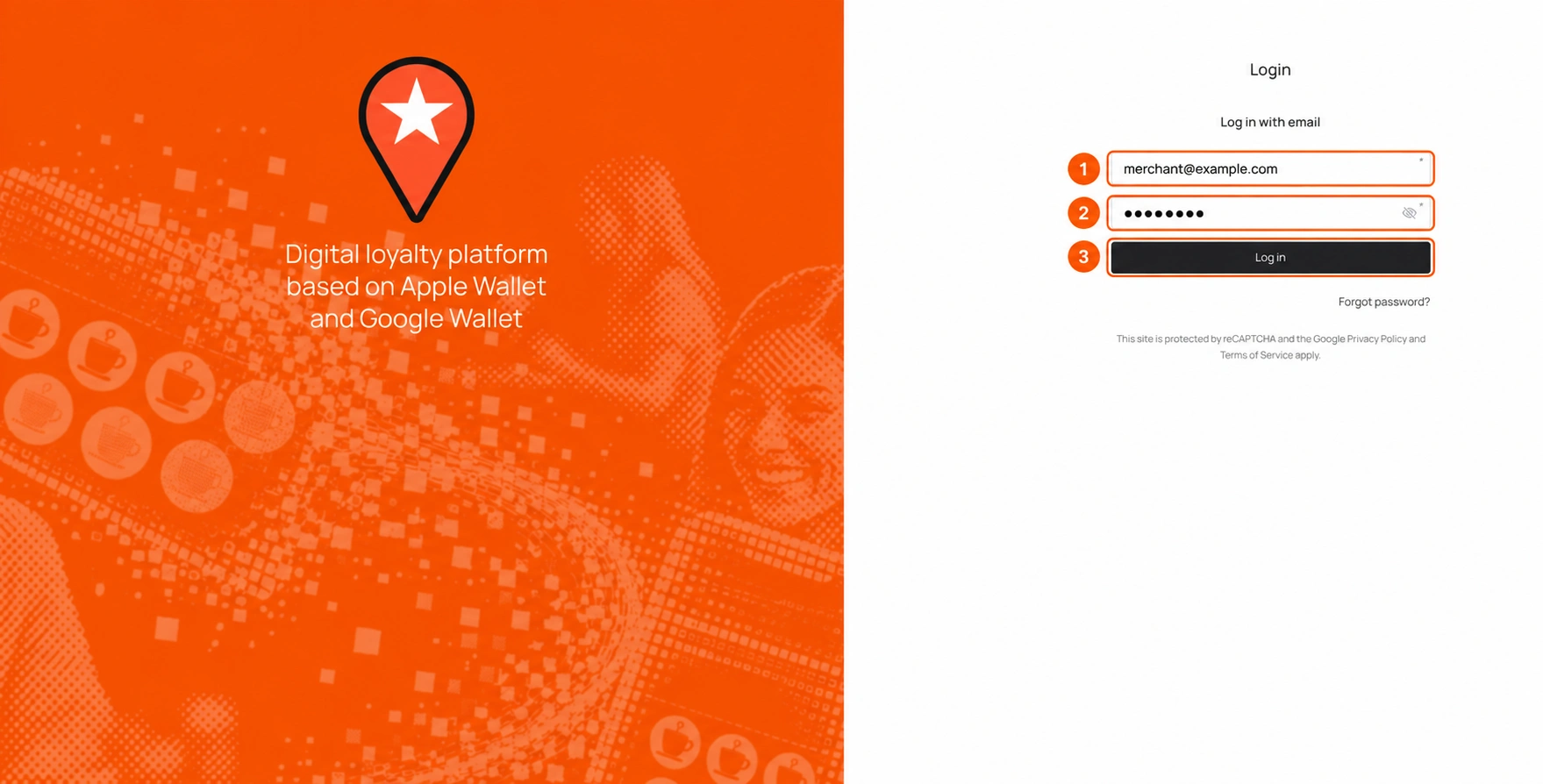
The numbered image illustrates the fields; use your own account details.
Forgotten your password?
Select Forgot password? and follow the password-recovery guide.