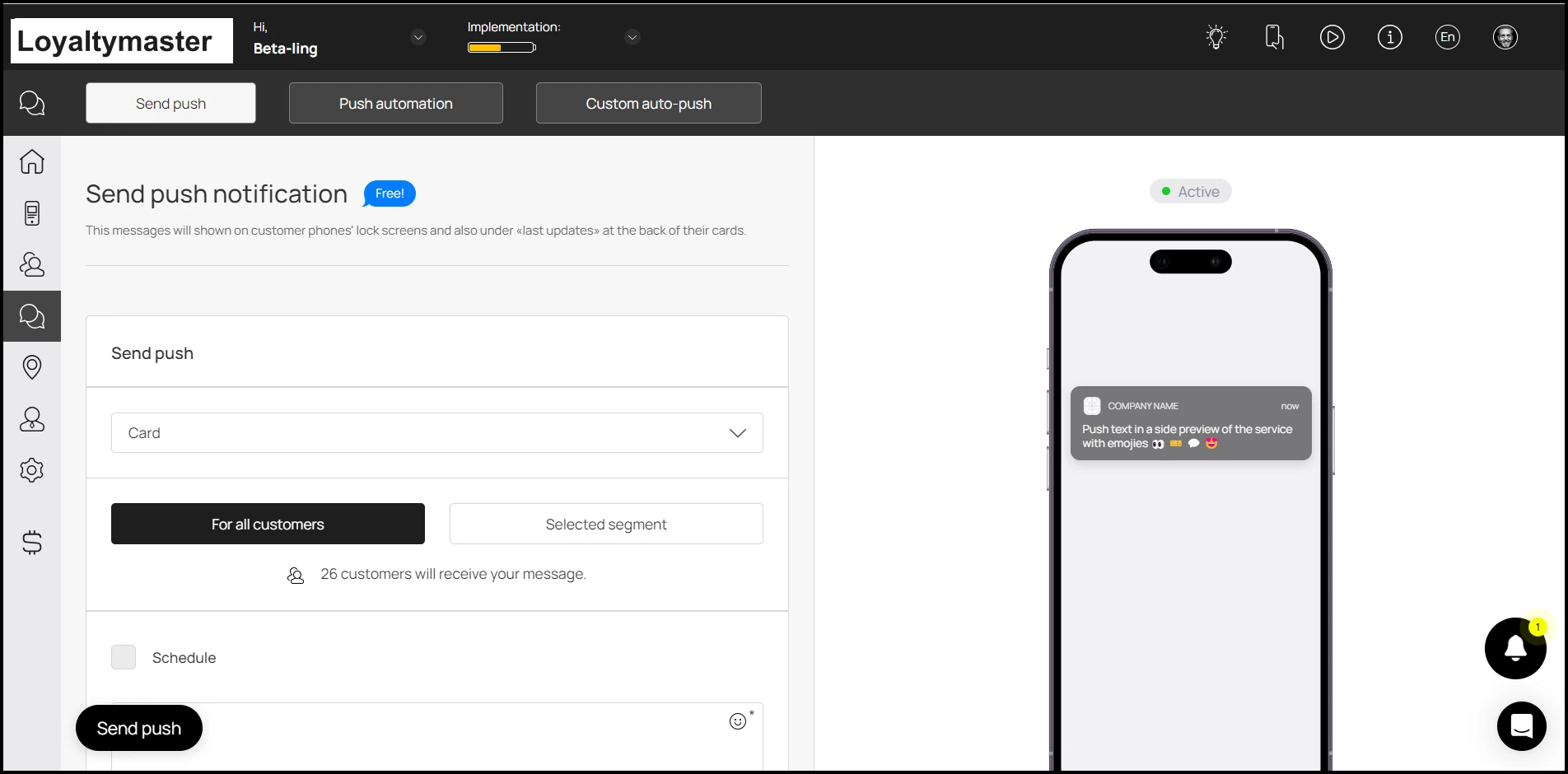
Push Section
Push notifications can be created from the Loyaltymaster app in order to send push notifications to the customer on any specific event. Moving further, let us take a look at how can you access the push notifications section.
Application review pending. Current permissions and product version are unverified.
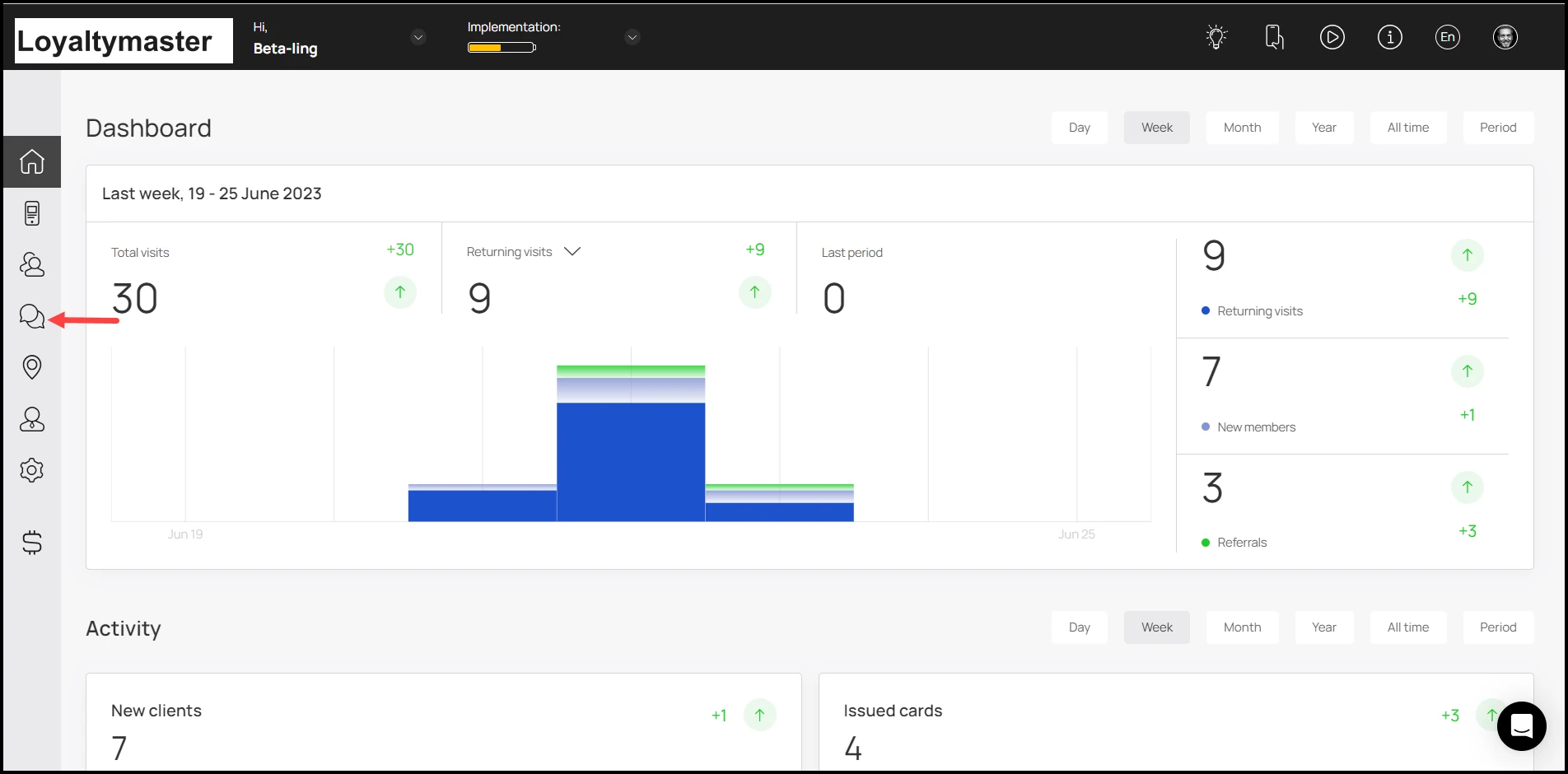
- Upon successful login, navigate to the left-hand menu.
- From the list of modules, click the Push Notificationsicon. Doing so takes you to the Push Notifications screen.
- By default, you land on the Send Push section. Here, you can create push notifications to be displayed on customer's lock screen when a specific event for a specific card is triggered.